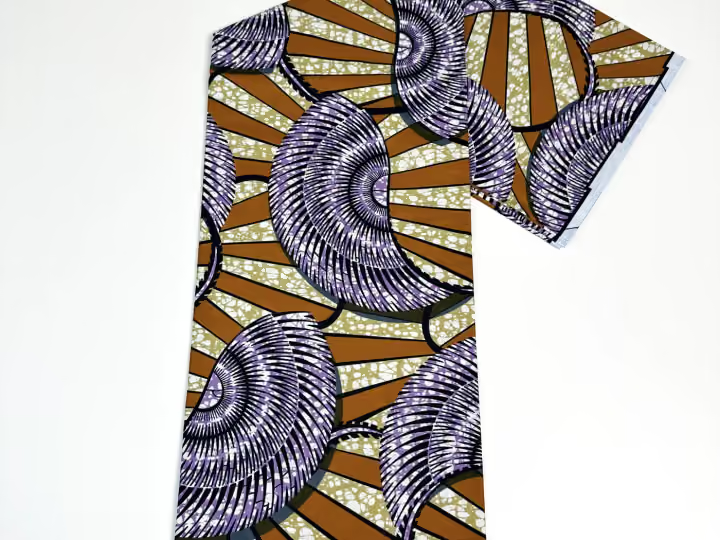
Start with a confirmed basis
Record what quantity and cut arrangement have actually been confirmed for the selected product. Distinguish enquiry quantities, an agreed order and received material. A warehouse photograph or catalogue listing is not a count of current stock available to reserve.
Assign material to named needs
List each customer order or workshop job with its approved requirement and pattern version. Reserve the relevant material only after checking the cutting plan. Do not allocate a continuous panel from a collection of cuts that has not been shown to fit that panel.
Explore the productsKeep balances in one unit
For each reference, show confirmed quantity, allocated quantity and unassigned balance in the same sales unit. Keep different products and categories separate. A theoretical conversion can assist planning but must not change the identity of the original purchase unit.
Reconcile changes promptly
Update allocations when orders are amended, material is issued or a substitute is approved. Record the reason and responsible person. Do not describe an unassigned planning balance as guaranteed immediate stock for another customer until its actual status is checked.
A practical comparison
| Status | Meaning | Use |
|---|---|---|
| Enquiry quantity | Amount being discussed | Planning only |
| Confirmed quantity | Specific agreed basis | Allocation starting point |
| Allocated balance | Named job plus remaining amount | Prevent duplicate commitments |
Your buying checklist
- Use confirmed quantities only
- Name each allocation
- Keep one unit per reference
- Update changes and material issues
Discuss your fabric requirements with Rose
Save references, note quantities and send your questions. Confirm specifications and availability for the exact items you need.